Book
Describe the tablet and the issue.
Touch and screen faults, charging trouble and slow software. We diagnose first and keep you informed.
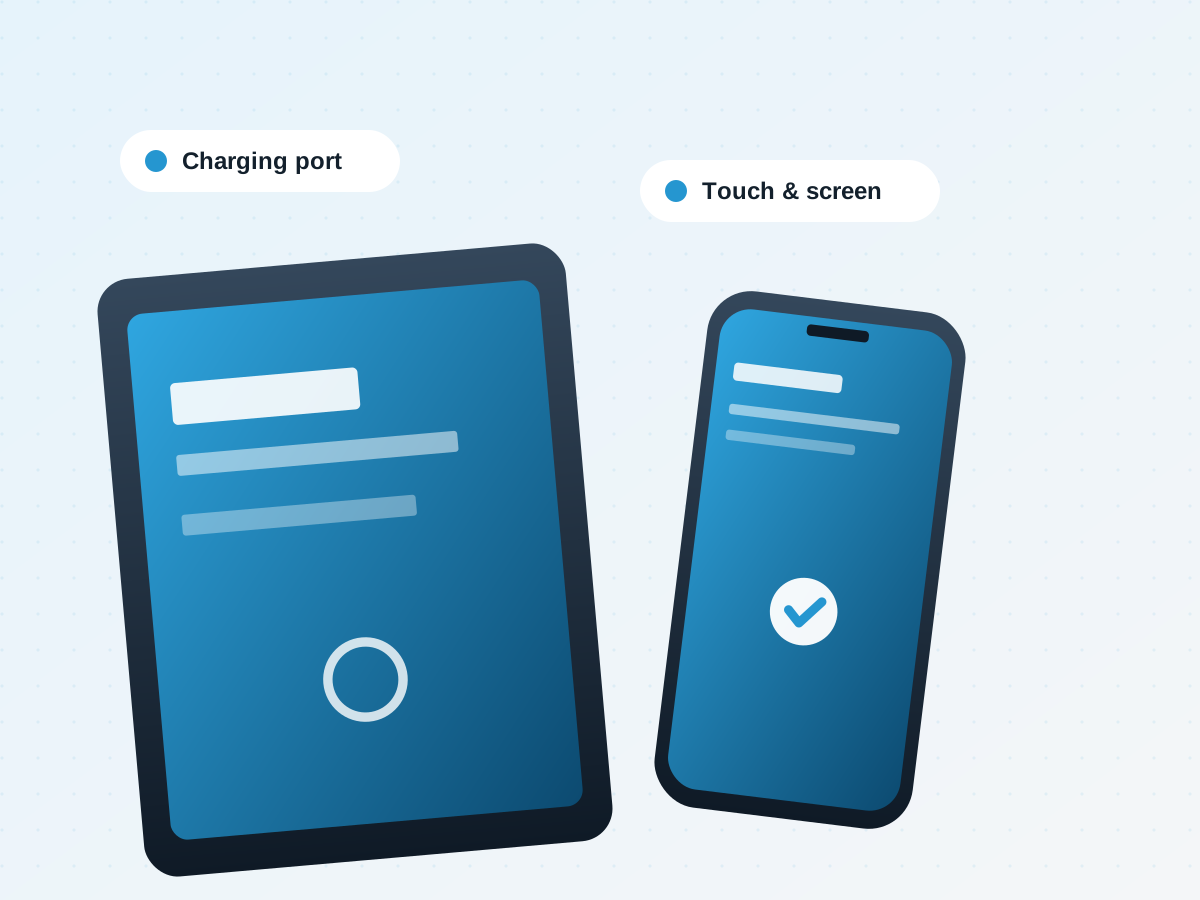
Cracked glass, unresponsive touch and display faults.
Batteries that drain quickly or will not hold a charge.
Loose connectors and tablets that do not charge reliably.
Freezes, slow performance and update problems.
We explain what we found and the options available. You approve the plan before any repair begins.
Start a bookingIf your device is a tablet with a phone-style operating system, it still belongs here. If you are unsure, pick the closest option and we will confirm during booking.
Ask our teamDescribe the tablet and the issue.
We confirm the cause and the options.
Work starts after you agree to the plan.
Tell us about the tablet and we will confirm the next steps.